Harness
This article shows you how to integrate Qwiet into your Harness workflow for automated code and dependency analysis.
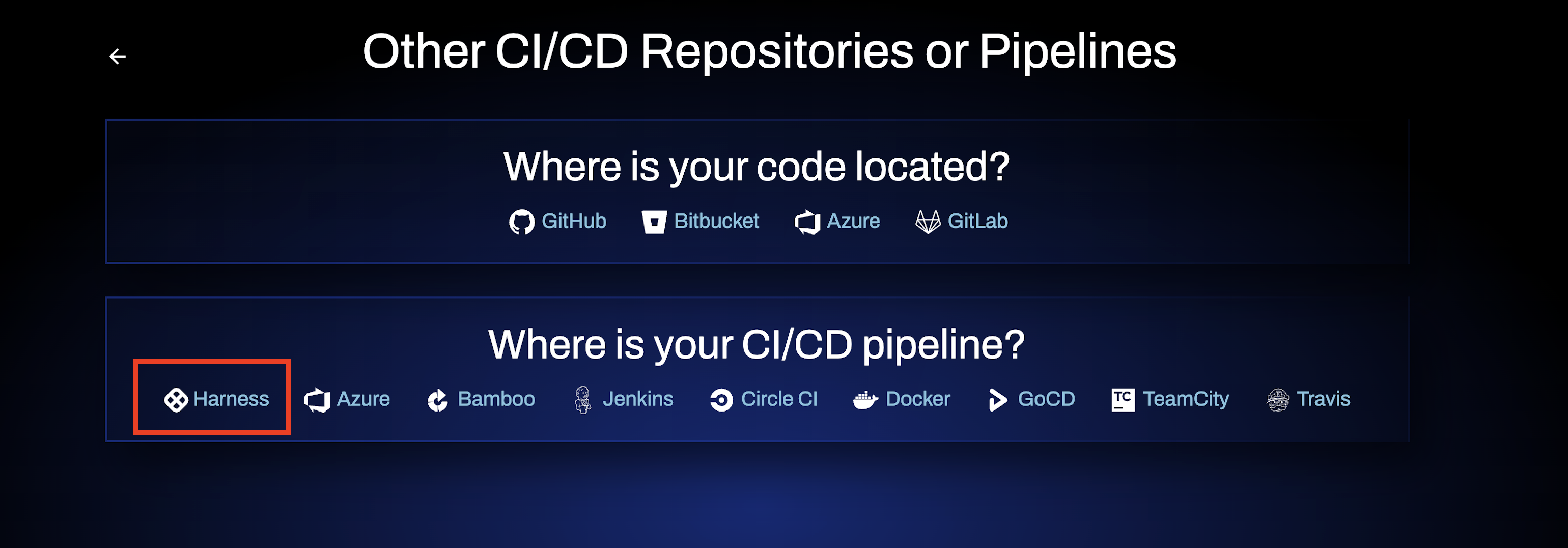
Qwiet AI integrates natively with Harness, allowing you to run SAST and SCA scans as part of your pipelines with minimal configuration. Unlike other workflow integrations, Harness provides a native, one-click scanner experience for Qwiet AI. This means no manual setup of tokens, secrets, or authentication is required within the pipeline.
Prerequisites
To use Qwiet AI with Harness, you must have:
-
A valid Qwiet AI license.
-
A valid Harness STO (Security Testing Orchestration) license.
How the Integration Works
Qwiet AI is available as a native scanners for SAST and SCA in Harness STO.
- When added to a pipeline, the Qwiet AI scanners (SAST and SCA) run directly within your CI/CD pipeline as built-in steps, with authentication and licensing configuration handled automatically by Harness.
Getting Started
To configure and run Qwiet AI (SAST and SCA) scans in a Harness pipeline, refer to the Harness documentation, which provides step-by-step guidance: